Integrations
An Ormuz integration answers one of two needs: connect a business system already carrying your data and operations, or add an external service your processes will orchestrate. This distinction determines the extension's architectural role, not the richness of its documentation.
What do you want to connect?
Connect your business systems
E-commerce CMS, ERP, accounting, and other systems that remain work surfaces or sources of truth for your organization.
E-commerce (5) · ERP and accounting (1)
Explore connectorsAdd services
Payments, credit, financing, compliance, fraud, data, documents, signature, and communications that Ormuz processes can use.
Payments (4) · Credit and financing (2) · KYC and compliance (2) · Fraud prevention (1) · Data (1) · Documents (2) · Electronic signature (1) · Communications (7)
Explore services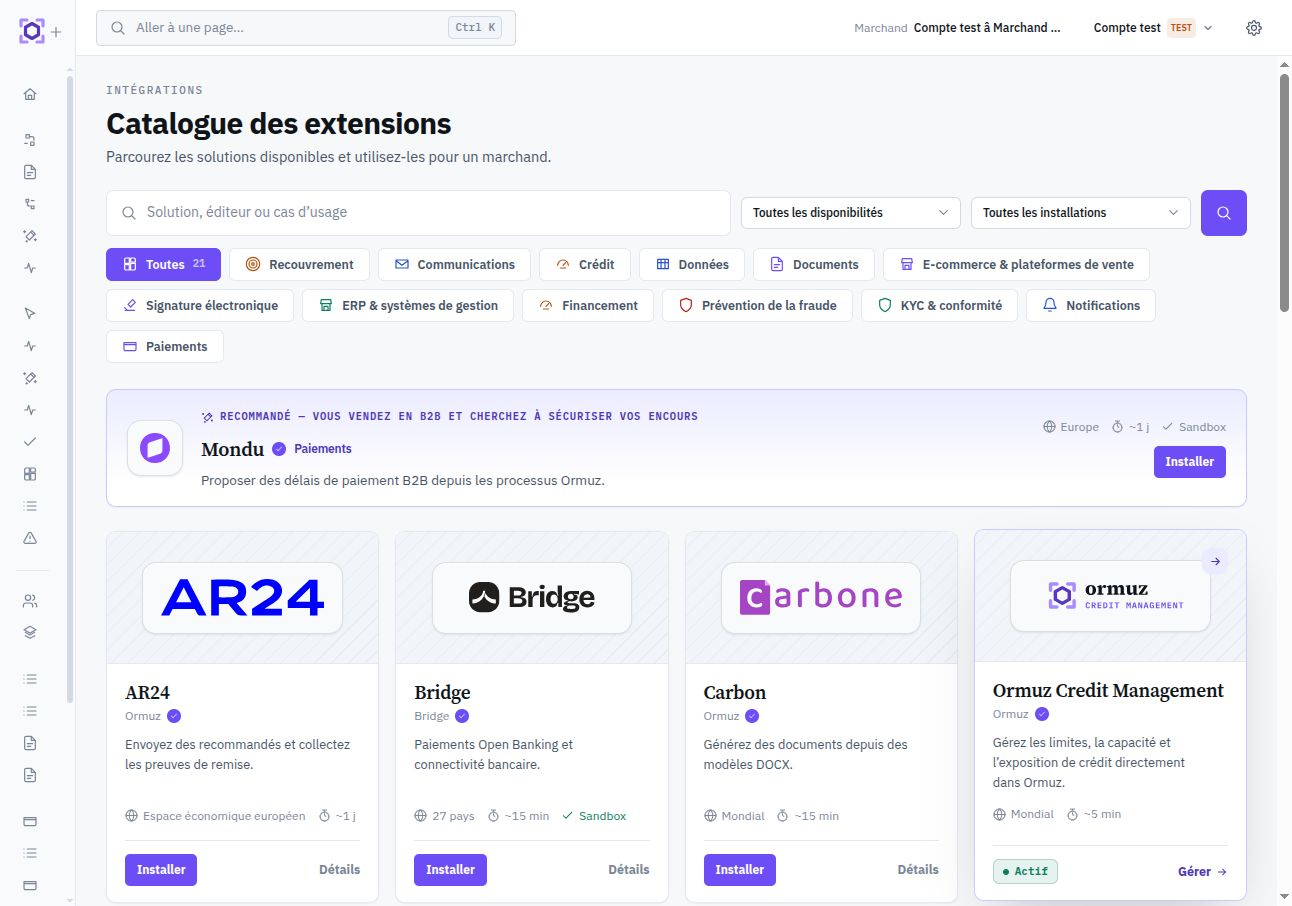
Understand integrations
Before choosing an extension, clarify the integration channel, the data it needs to access, and how external objects correspond to Ormuz objects.
Integration modes
Choose among API, connector, webhook, synchronization, file, or embedded interaction according to the system's role.
Read the documentationData access
Understand what data an extension may read or write and how that access is exposed to the user.
Read the documentationObject mappings
Durably link objects from an external system to Ormuz platform objects without conflating their identities.
Read the documentationDocumentation for each extension
Once an extension is selected, its dedicated page becomes the provider reference. Depending on what it exposes, you will find overview, configuration, nodes, events, external objects, workflows, data-access rules, and associated resources.
Grouping by role or category replaces no extension-specific documentation; it only helps find the relevant extension faster.